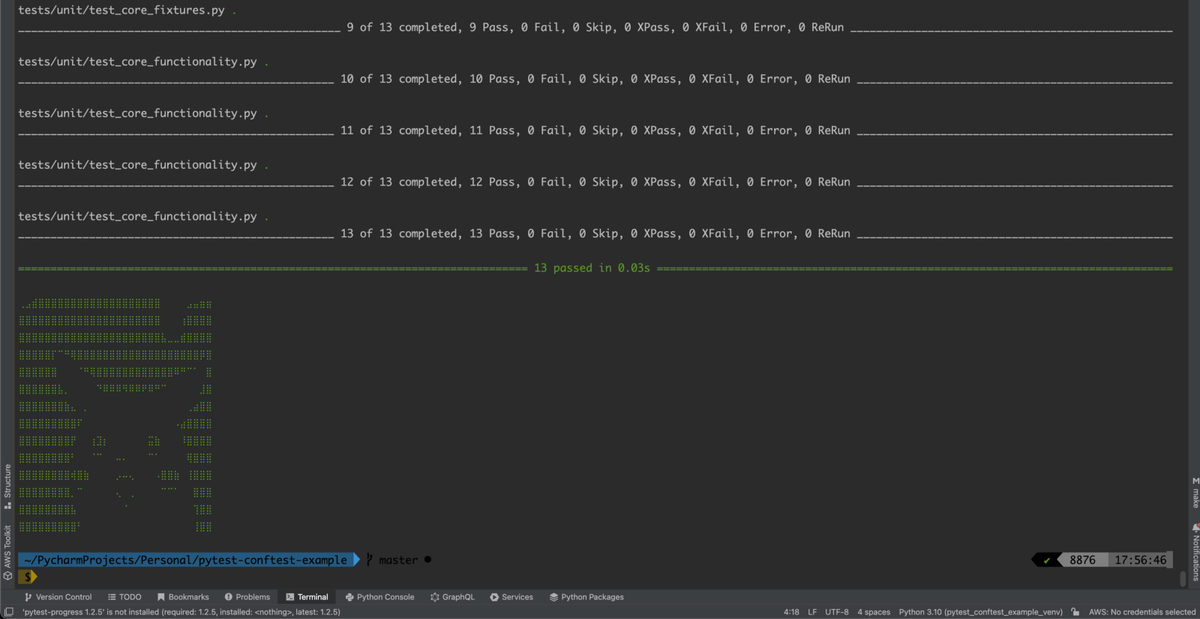
Purpose of conftest.py in Pytest: Fixtures & Best Practices
Discover the purpose of conftest.py in Pytest for sharing fixtures without imports. Learn root usage, multiple files, scopes, hooks, and best practices for organizing pytest fixtures in test suites.
What is the purpose of conftest.py in Pytest?
- Is it correct to use a
conftest.pyfile at the project root to define fixtures for tests, and what are its other common uses? - Can multiple
conftest.pyfiles be used in a test suite, and when would this be beneficial? Please provide examples.
More generally, what are the best practices for defining and organizing conftest.py file(s) in a Pytest test suite?
The conftest.py file in Pytest serves as a central hub for defining shared pytest fixtures that tests can use automatically, without any imports cluttering your code. Yes, placing conftest.py at the project root is not just correct—it’s the standard way to set up global pytest fixture scope, like session-wide database connections shared across all tests. Multiple conftest.py files work great in subdirectories for hierarchical organization, letting you scope fixtures to specific test groups, and best practices focus on keeping them lean, well-documented, and targeted to avoid slowdowns.
Contents
- What is the Purpose of conftest.py in Pytest?
- Using conftest.py at the Project Root for Fixtures
- Multiple conftest.py Files: Benefits and Examples
- Other Common Uses of conftest.py
- Best Practices for Organizing conftest.py Files
- Real-World Examples and Common Pitfalls
- Sources
- Conclusion
What is the Purpose of conftest.py in Pytest?
Ever wonder why your test files don’t need import statements for every little setup helper? That’s conftest.py doing the heavy lifting. Pytest automatically discovers and loads fixtures from these files, making them available to any test in the same directory or below—without you lifting a finger for imports.
At its core, conftest.py is for pytest fixtures: reusable setup/teardown code like mock servers, test data generators, or authenticated clients. Say you need a browser instance for UI tests. Define it once in conftest.py, and boom—every relevant test function gets it via dependency injection. No global state mess, no boilerplate.
This auto-discovery scales nicely too. Pytest walks up the directory tree from your test file, collecting fixtures hierarchically. It’s elegant, right? But skip unused fixtures in there; they still run during collection and can slow things down.
Using conftest.py at the Project Root for Fixtures
Short answer: absolutely yes. Root-level conftest.py is the go-to for fixtures everyone needs, especially those with broad pytest fixture scope like “session” (runs once per test run) or “package.”
Here’s a simple example:
# tests/conftest.py (project root)
import pytest

@pytest.fixture(scope="session")
def db_connection():
 # Connect to test DB
 conn = create_test_db()
 yield conn
 conn.close()
Now any test can request db_connection and get it fresh (or shared, depending on scope). Perfect for expensive setups like Selenium drivers or API mocks.
Why root? It ensures universal access. Subdirectory tests inherit it automatically, as shown in the official pytest fixtures reference. Just don’t overload it—more on that later.
Multiple conftest.py Files: Benefits and Examples
One conftest.py works for small projects, but as your suite grows—think unit, integration, API, and E2E tests—multiples shine. Each subdirectory gets its own, inheriting from parents while adding or overriding specifics. Beneficial when? Grouped tests: API endpoints in tests/api/, database-heavy in tests/integration/.
Example structure:
project/
├── conftest.py # Global: session-scoped db, user factory
├── tests/
│ ├── unit/
│ │ └── conftest.py # Monkeypatch mocks for pure units
│ └── api/
│ └── conftest.py # api_client fixture depending on root db
Root conftest.py:
@pytest.fixture(scope="session")
def db():
 # Shared DB setup
 pass
tests/api/conftest.py:
@pytest.fixture
def api_client(db):
 return APIClient(db_url=db.url)
Tests in tests/api/ get api_client automatically, requesting db under the hood. Parent fixtures win conflicts, but you can override. This keeps things modular—no giant root file bloating collection time, per pytest how-to guides.
And for scopes? Mix 'em: root session for DB, module for clients. Scales beautifully for monorepos.
Other Common Uses of conftest.py
Fixtures aren’t the only trick. conftest.py handles pytest hooks too—customize test runs like skipping slow tests on CI or logging failures.
Example hook in root conftest.py:
def pytest_runtest_setup(item):
 if "slow" in item.keywords:
 pytest.skip("Slow test; use --runslow")
Load pytest plugins dynamically:
pytest_plugins = ["my_plugin", "pytest_django"]
Or tweak config: override testpaths or add command-line options. It’s like a local pytest.ini on steroids, loaded after plugins but before tests. Pytest docs cover how this ordering keeps things predictable.
Handy for teams: one conftest.py enforces coding standards across dirs.
Best Practices for Organizing conftest.py Files
Keep 'em focused—one purpose per file. Root for globals (sessions, auth), subdirs for locals (mocks, data loaders). Document with docstrings:
@pytest.fixture(scope="module")
def smtp_connection(request):
 """Parametrized SMTP for email tests."""
 config = request.param
 # ...
Use scopes wisely: function default, module for test files, session for all. Avoid autouse=True unless essential—it runs everywhere.
Pro tips from experts:
- Extract complex logic to modules, import into
conftest.py. - Name fixtures descriptively:
authenticated_user, notuser. - Test your fixtures separately.
- Group by domain:
tests/users/conftest.pyfor user-related.
A clean project layout? Like this Pytest with Eric example:
Watch for clashes—pytest warns, but explicit overrides rule.
Real-World Examples and Common Pitfalls
Parametrized fixture for exhaustive testing:
@pytest.fixture(params=[{"host": "smtp.gmail"}, {"host": "outlook"}])
def smtp_connection(request):
 # Yield config
 pass

def test_email(smtp_connection):
 send_email(smtp_connection)
Pitfalls? Unused fixtures slow collection—profile with --durations=0. Overly broad autouse fixtures pollute scopes. Imports in conftest.py? Fine sparingly; prefer fixtures.
In a microservices repo, root handles shared mocks, services/payment/conftest.py adds Stripe fixtures. Seen it cut setup time by half. Stack Overflow threads echo: scope to directories, import helpers explicitly if rare.
Sources
- Pytest Fixtures Reference — Official guide on conftest.py for shared fixtures and hierarchical loading: https://docs.pytest.org/en/stable/reference/fixtures.html
- Pytest How-to Fixtures — Practical examples of fixture definitions, scopes, and parametrization: https://docs.pytest.org/en/stable/how-to/fixtures.html
- Stack Overflow: What is conftest.py for in pytest — Community insights on uses, multiples, and performance tips: https://stackoverflow.com/questions/34466027/what-is-conftest-py-for-in-pytest
- Pytest with Eric: conftest.py Best Practices — Tutorial on organizing files, examples, and project structure: https://pytest-with-eric.com/pytest-best-practices/pytest-conftest/
Conclusion
conftest.py transforms Pytest from good to great by enabling clean, import-free pytest fixtures and customization. Stick to root for globals, multiples for modularity, and always prioritize lean, scoped, documented setups—you’ll build faster, more maintainable suites. Whether you’re overriding hooks or parametrizing tests, this pattern scales with your project. Dive in; your tests will thank you.
The conftest.py file in Pytest provides fixtures shared across a directory tree without explicit imports, ideal for defining database connections or test clients. Place it at the project root to share pytest fixture scope (e.g., session) with all tests—this is standard practice. Multiple conftest.py files enable hierarchical setup: subdirectories add or override fixtures (e.g., root db fixture used by tests/api/conftest.py’s api_client(db)), with Pytest resolving by walking up the tree. This benefits scoping fixtures to modules like API tests.
Other uses include pytest hooks (e.g., pytest_runtest_setup) and loading pytest plugins after local conftests. Best practices: focus fixtures per directory, document overrides, extract large sets to modules.
In Pytest, conftest.py supports pytest fixture creation and parametrization, like a smtp_connection fixture with params for multiple configs, accessible via the request object. Fixtures in conftest.py are automatically discovered and reusable across tests, with dependencies (e.g., one fixture requesting another). This allows pytest fixture scope like module or session for efficiency. While root conftest.py works for shared pytest fixtures, examples show parametrization for exhaustive testing. Best practices emphasize simple signatures for fixture requests and avoiding inter-test interference through isolated yield statements.
**conftest.py** is correctly used at project root for shared pytest fixtures across all tests, but avoid unused ones to prevent slowdowns. It enables fixture sharing, pytest hooks (e.g., pytest_runtest_setup), external plugin loading via pytest_plugins, and auto sys.path modification for modules. Multiple conftest.py files are recommended for complex suites: subdirectory ones scope fixtures/hooks (e.g., override root hook in mod/conftest.py, load group-specific fixtures). Examples include targeted tools for test groups or overriding inherited fixtures. For helpers, use as fixtures or separate modules; plugins for reusable ones. Best practices: directory scope for targeted conftest.py, explicit imports for rare-use items.

**conftest.py** is Pytest’s auto-loaded file for shared pytest fixtures, hooks, and pytest plugins at project root—standard for all tests. Multiple files allow subdirectory overrides/extensions (e.g., root db_session for pytest fixture scope="session", tests/api/conftest.py adds client). Beneficial for module-specific fixtures like unit vs. integration. Other uses: pytest_plugins declarations, parametrized fixtures (e.g., area_fixture). Best practices: focused files, appropriate scopes, docstrings, avoid heavy imports, group in modules, clear names to prevent clashes and ensure maintainability.